

Home › Knowledge Center › DTM Application Setting
DTM Application Setting
DTM Application Setting
1. Main Screen Display
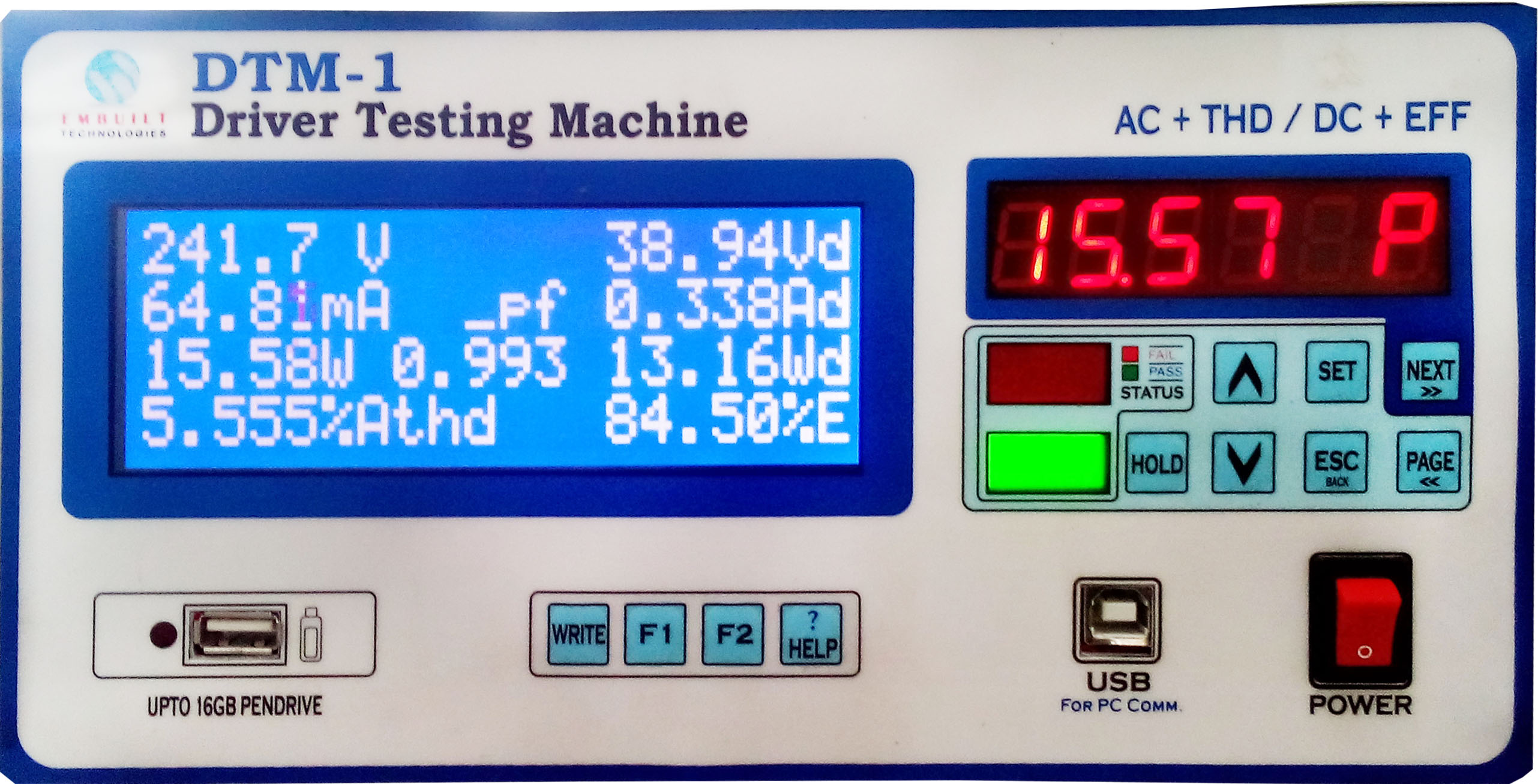
2. Press SET button for go to setting page. On main screen, setting page 1/16 display.

3. Press NEXT button and go to the page 4/16.
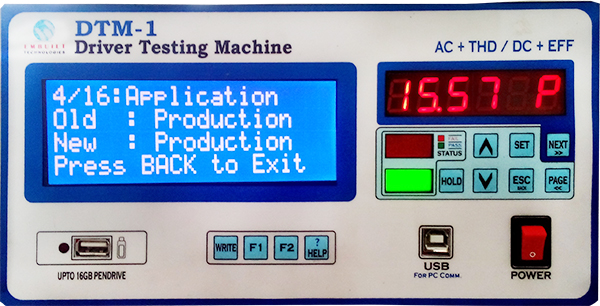
4. Press UP / DOWN to select your work application.
There are three application modes
1). Production 2). R&D 3). Data Logging
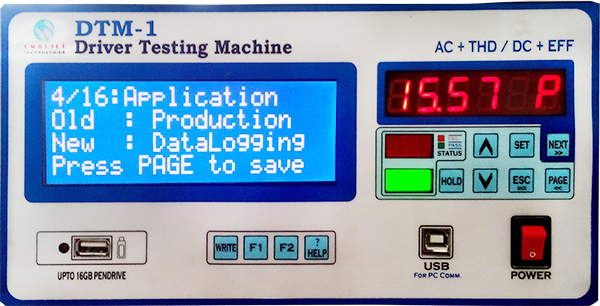
5. Press NEXT or PAGE button to save your setting.
Old: Data Logging, shows your current model
New: Data Logging, will be changed by pressing UP / DOWN buttons
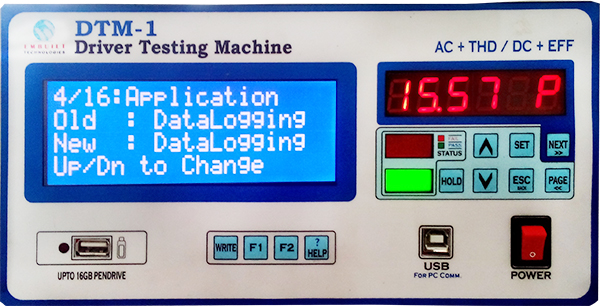
6. Press ESC/BACK to return main screen after setting completed
Click here to go DTM Main Page, Introduction of DTM-1, Connection Diagram, Model Selection Setting, Buzzer Type Setting, LOC Setting