PRPT-16 Settings Guide
This guide provides detailed instructions for configuring and setting up your PRPT-16 testing equipment for optimal performance in burn-in and ruggedness testing applications.
Initial Setup
- Connect the PRPT-16 to a stable power source
- Connect your voltage sources to the dual relay inputs (SV1 and SV2)
- Connect your loads to the 16 output channels
- Power on the device and allow it to initialize
Rotatory Switch Modes
1. Prog Mode
Voltage switching is controlled by software settings. Use this mode for automated testing sequences.
2. Rapid Mode
Switching is controlled by settings entered directly on the PRPT-16 using buttons.
3. SV1 Mode
Only relay one is activated, applying the voltage source connected to this relay.
4. SV2 Mode
Only relay two is activated, applying the voltage source connected to this relay.
5. Off Mode
No voltage is applied to the output. Use this position for safety when connecting/disconnecting loads.
Setting Load Limits
The PRPT-16 allows you to set both high and low limits for each of the 16 channels:
Using Software Interface (Prog Mode)
- Connect the PRPT-16 to your computer via USB
- Launch the PRPT-16 configuration software
- Select the channel you want to configure
- Enter the desired high and low limits for voltage, current, and power
- Save the settings to the device
Using Device Buttons (Rapid Mode)
- Use the UP/DOWN buttons to navigate to the channel
- Press the SET button to enter configuration mode
- Navigate to the limit setting you want to change
- Use UP/DOWN to adjust the value
- Press SET to confirm each setting
Program Mode Configuration
The program mode allows you to create complex testing sequences:
- Open the PRPT-16 software on your computer
- Create a new test sequence or load an existing one
- Define switching steps with timing parameters:
- ON time duration
- OFF time duration
- Voltage source selection (SV1 or SV2)
- Number of cycles
- Set pass/fail criteria for each step
- Transfer the program to the PRPT-16 via USB
- Select Prog mode on the rotatory switch to run the sequence
Display Navigation
Navigate the LCD display using the UP/DOWN buttons:
- UP/DOWN Buttons: Scroll through display options and parameters
- SET Button: Enter settings mode or confirm selections
- The display shows individual load parameters, settings, and switching voltages
LED Indicators
Each of the 16 channels has green and red LED indicators:
- Green LED: Load is connected and operating within limits
- Red LED: Load has failed or is operating outside set limits
Data Logging and Reporting
Configure data logging settings:
- Connect a USB drive to the PRPT-16
- Enable logging in the software or device settings
- Data is automatically saved with timestamps
- Generate PDF reports using the software interface
Troubleshooting Common Issues
PRPT-16 Resources
Related Products
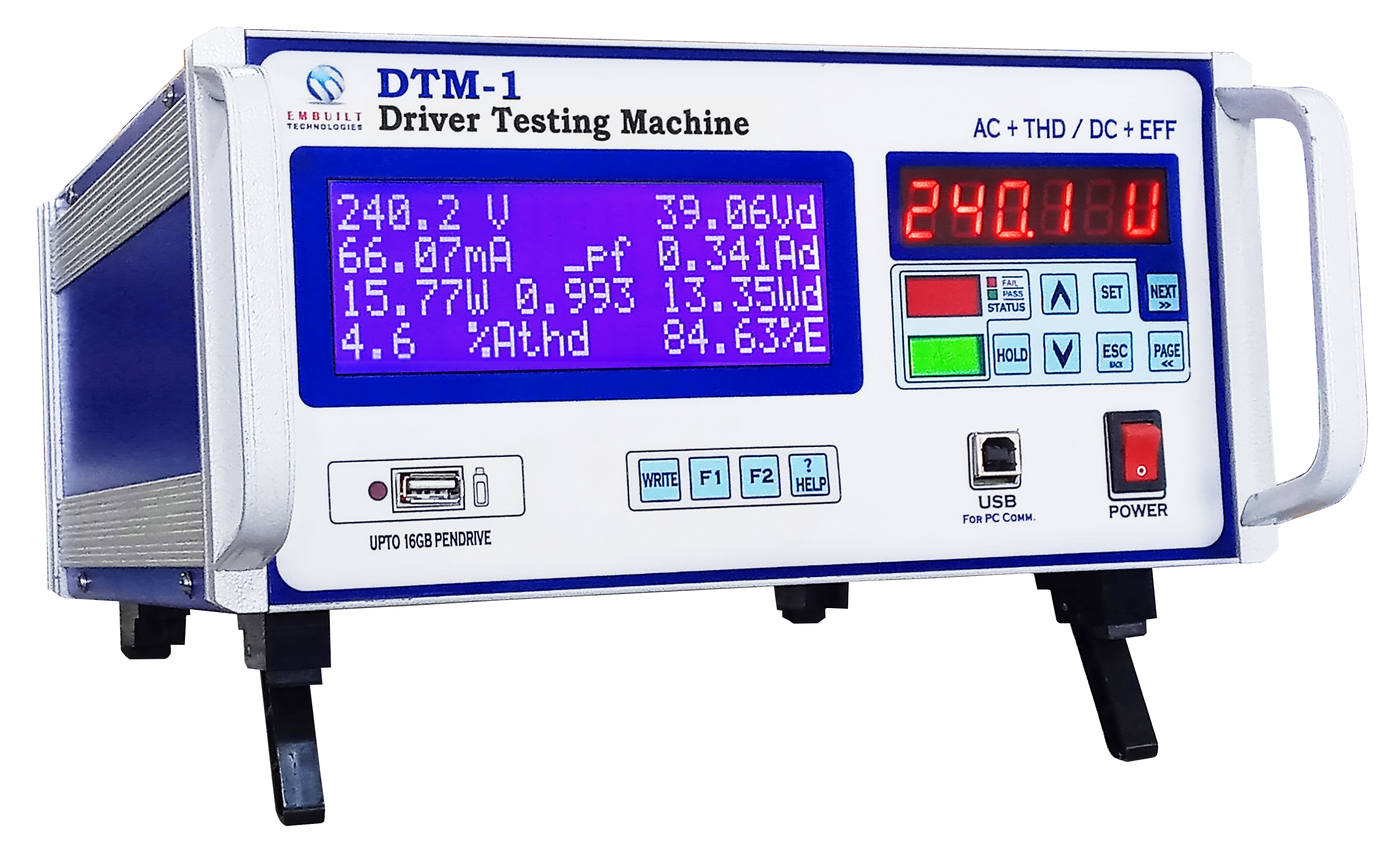
DTM-1
Digital Tester for LED Drivers
.webp)
THDPM-1
Total Harmonics Distortion Power Meter

ASC-1
Automatic Switcher & Counter